Mobile Inspection Checklists
- Company
- Accela
- My role
- Lead Product Designer
- Platform
- Enterprise Mobile App
- Outcome
- Active users up 20%, CSAT up 10%
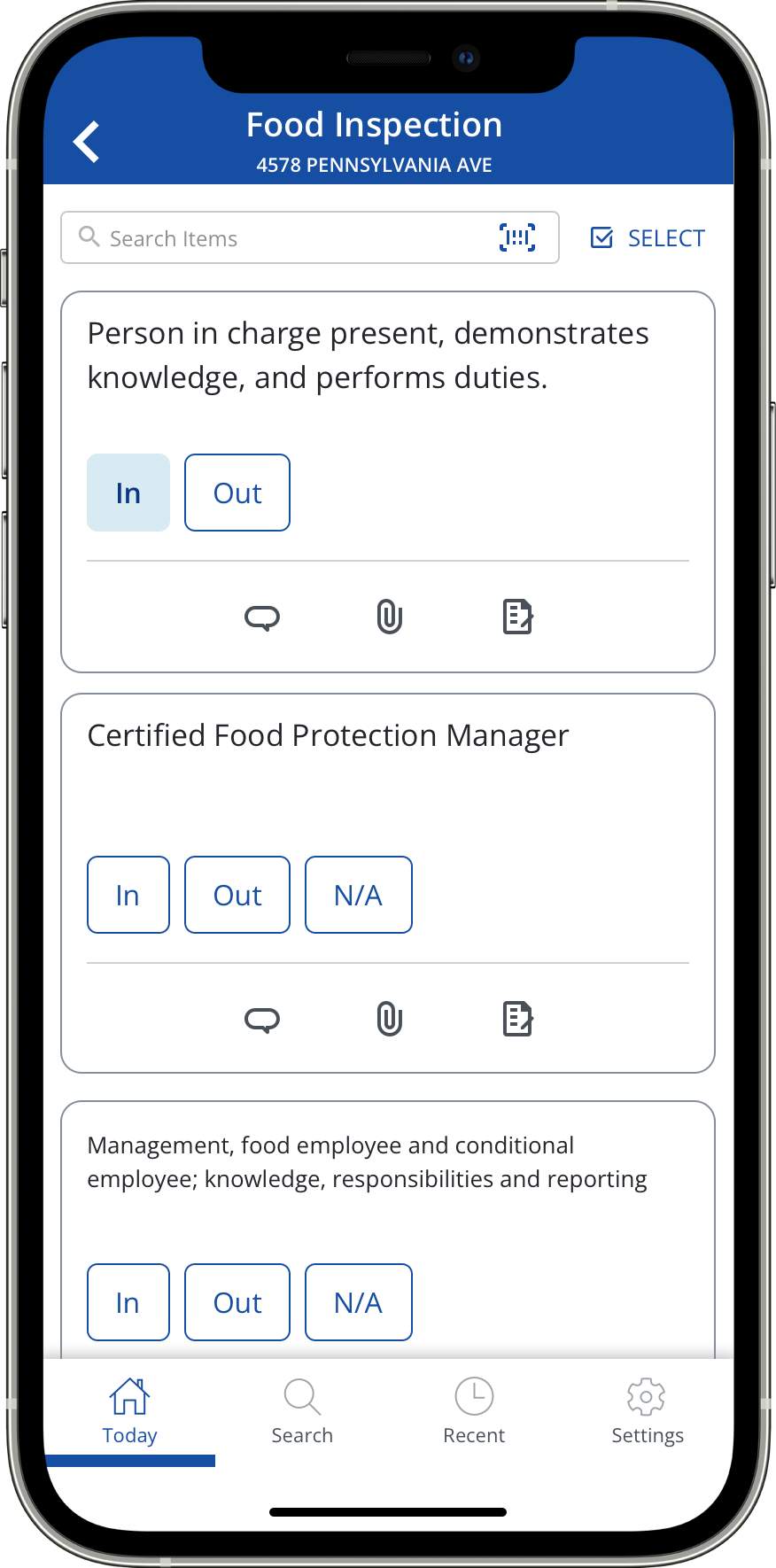
Inspectors were choosing paper clipboards over our app. After testing many concepts with them, the redesign raised active users 20% and CSAT 10%.
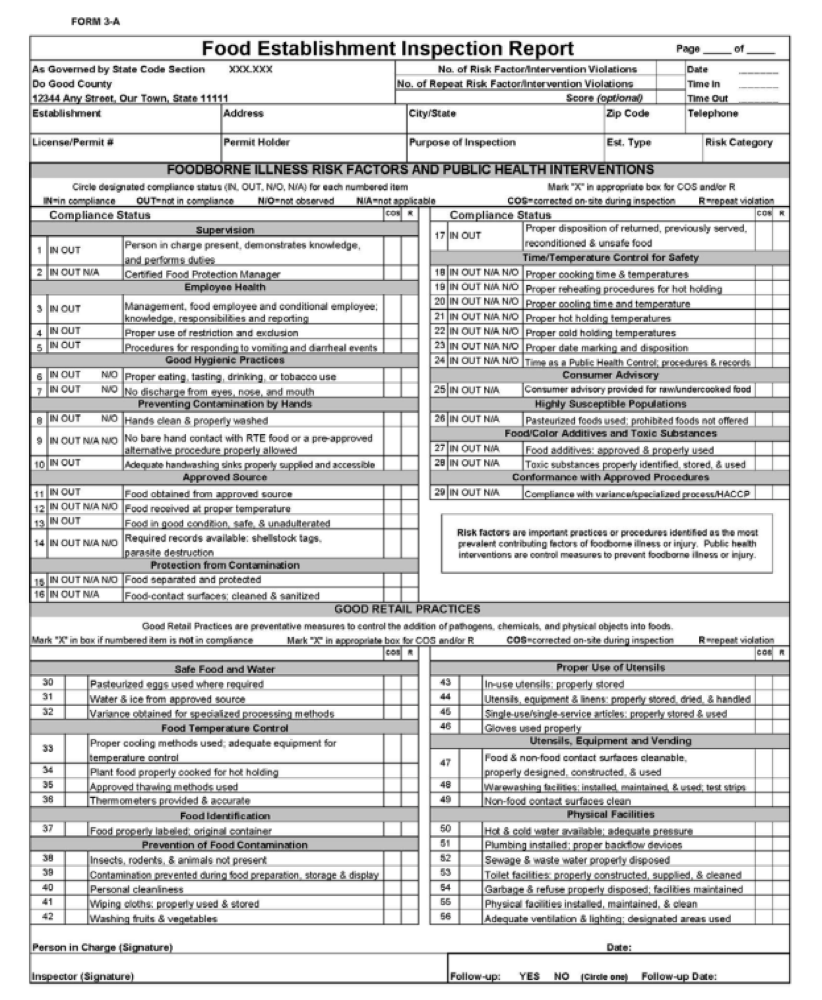
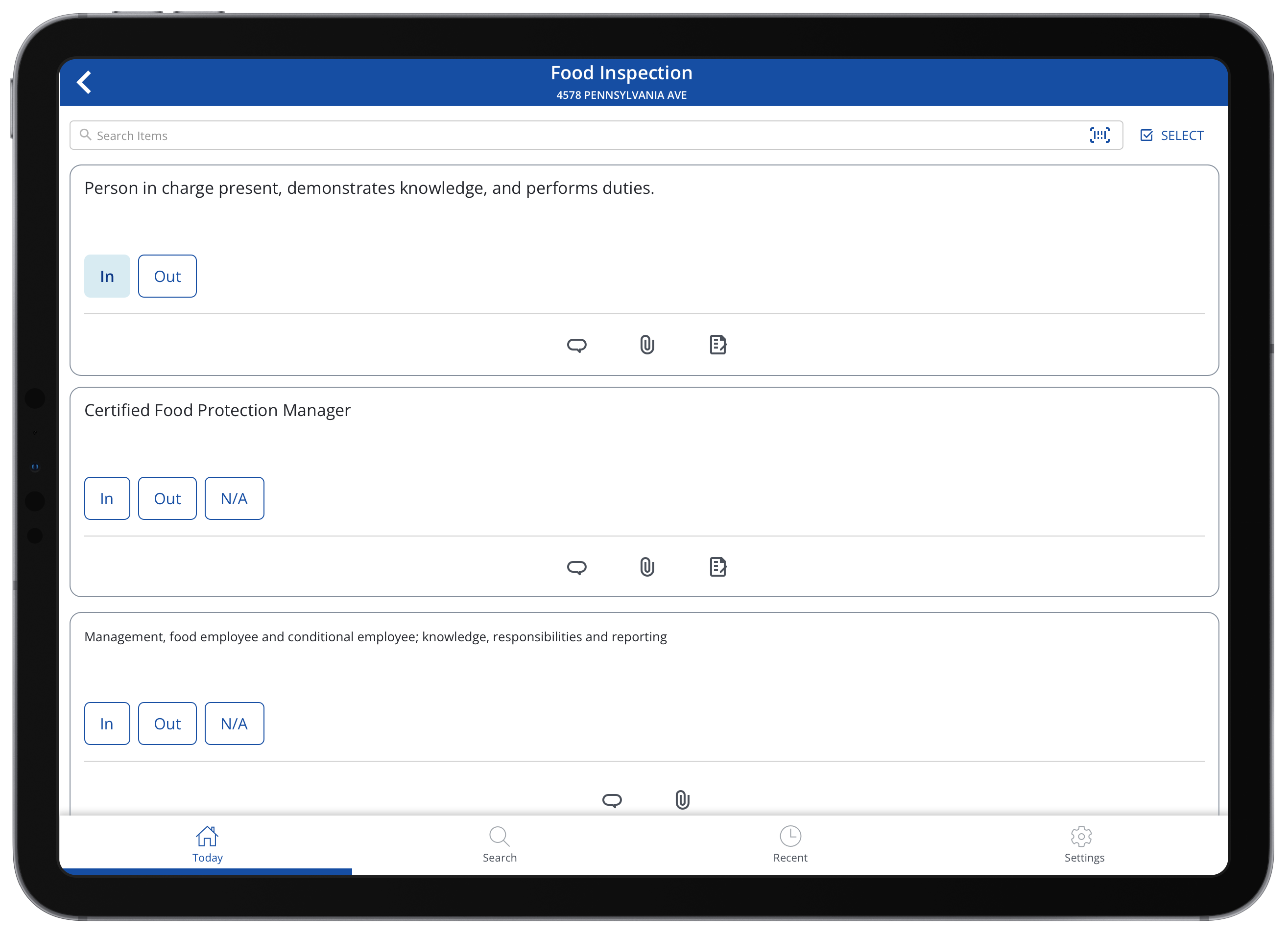
Inspectors in the field were favoring paper & clipboard checklists for the ease of simply ticking boxes during an inspection.
Civic inspectors and code officers are an extremely unique group of mobile users. They have to interact with our products during inclement weather, inside unstable structures, crawling through attics, and even while being threatened or yelled at.
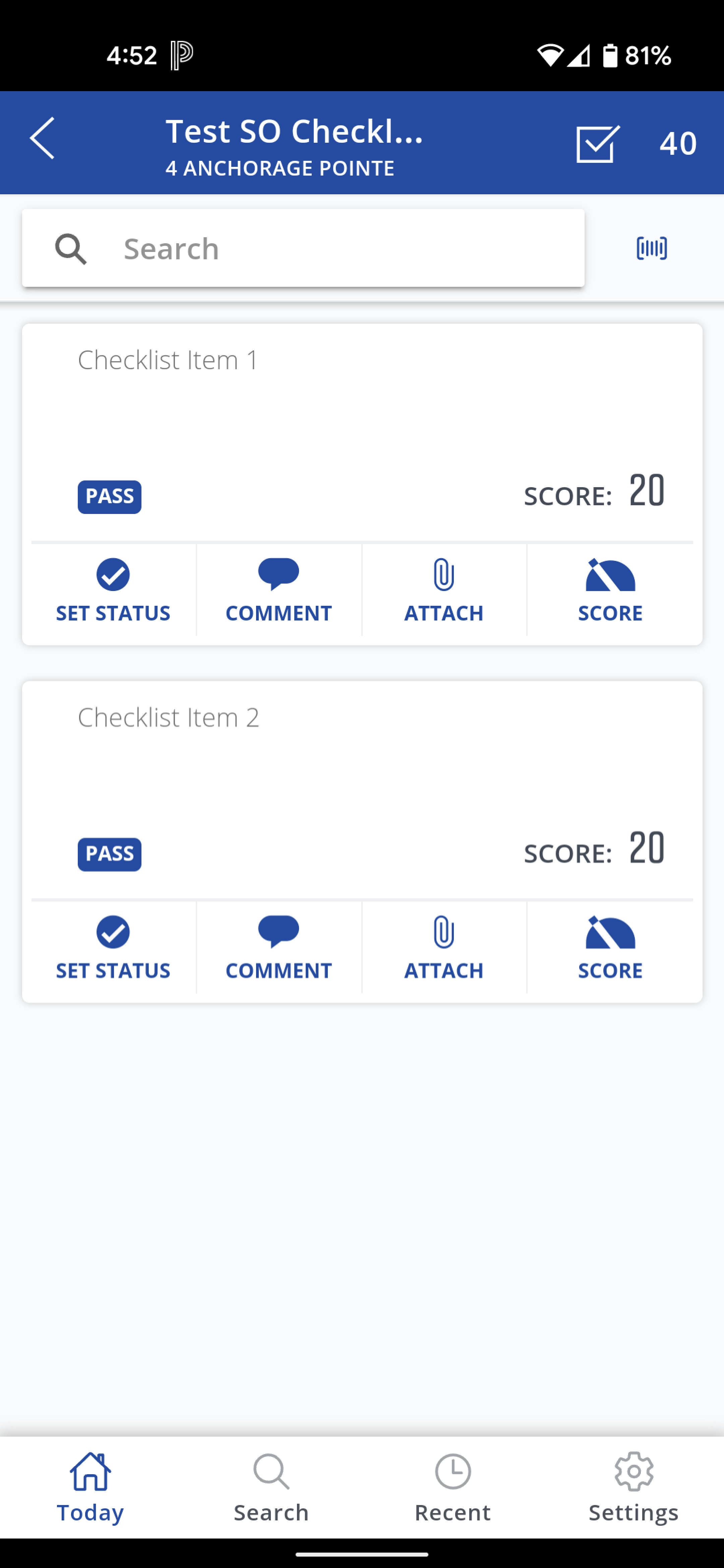
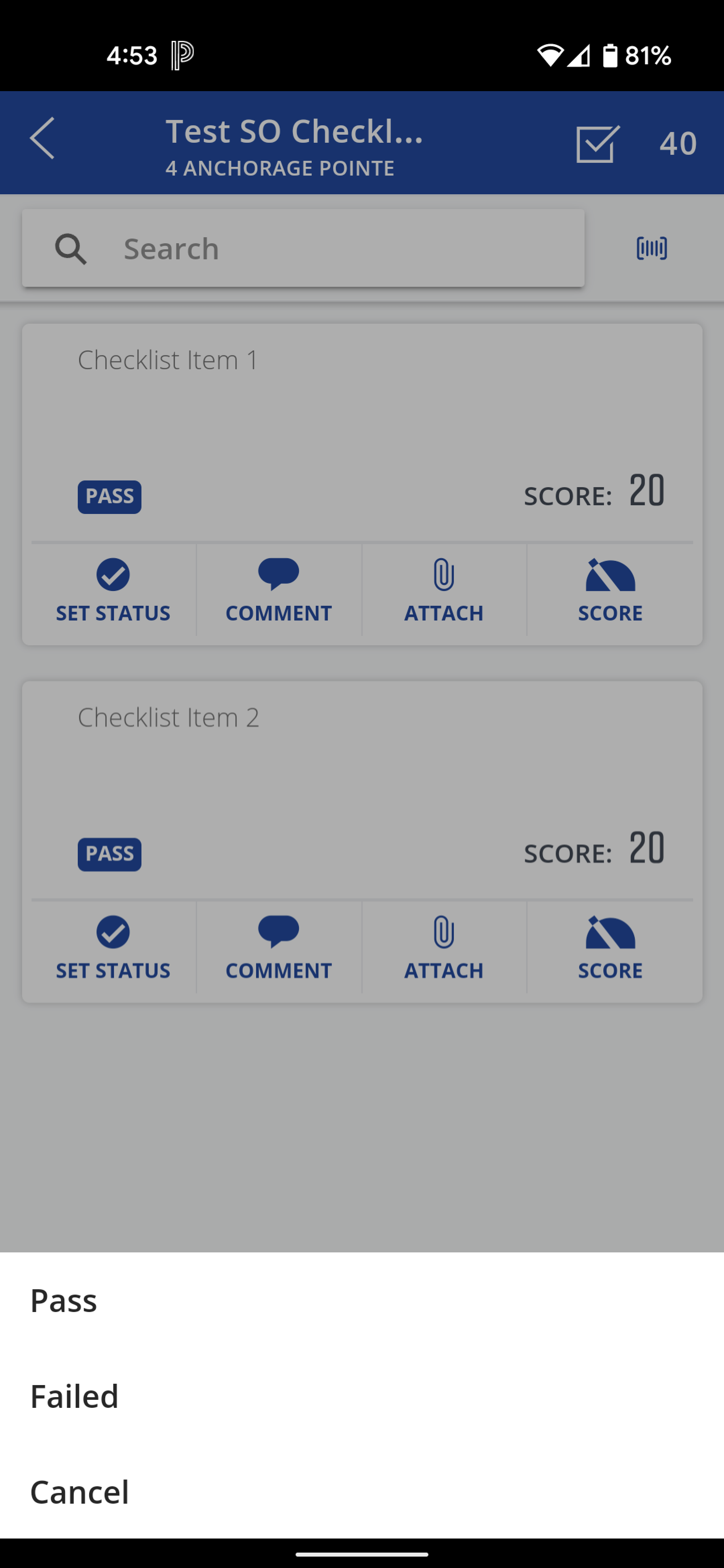
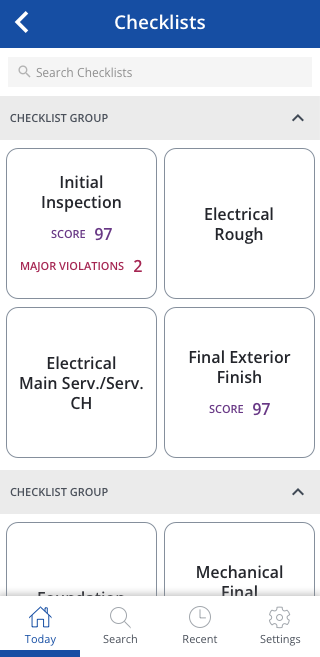
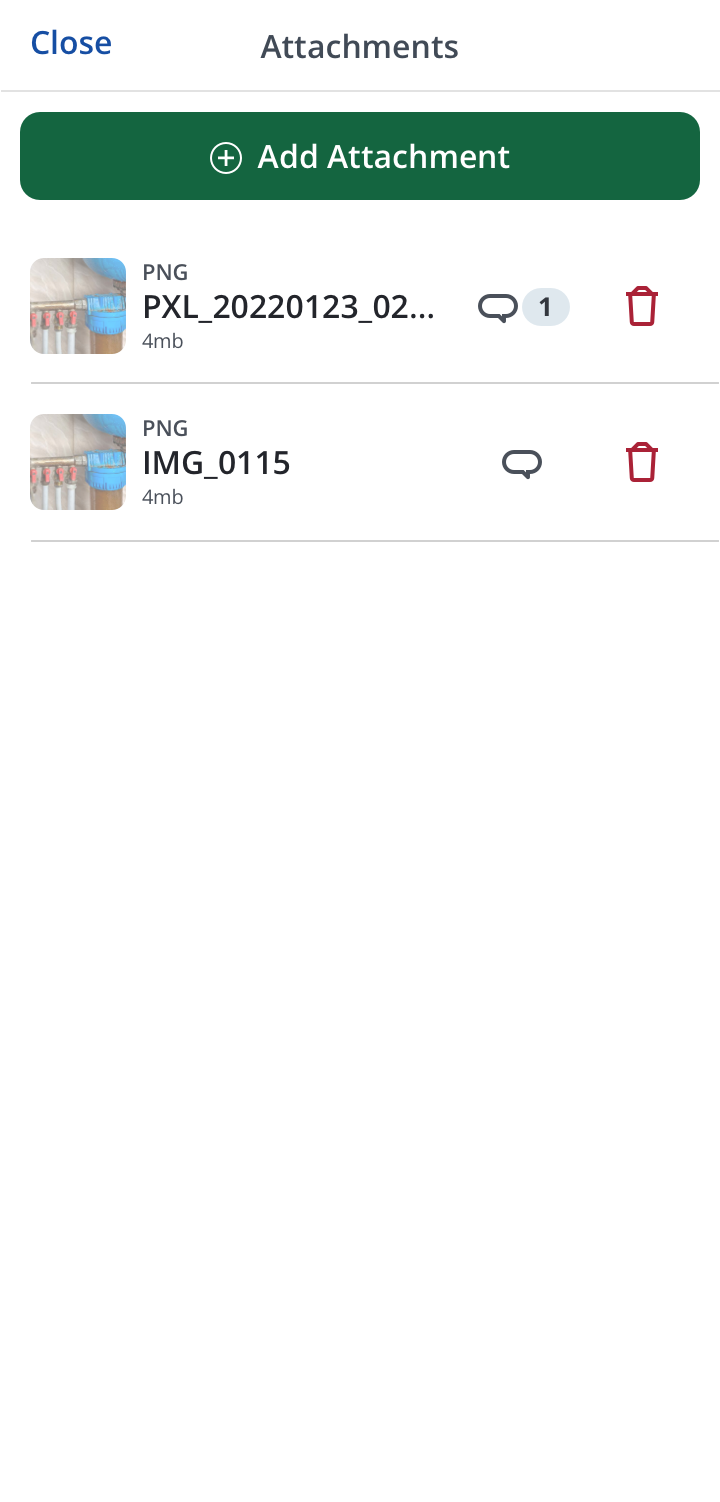
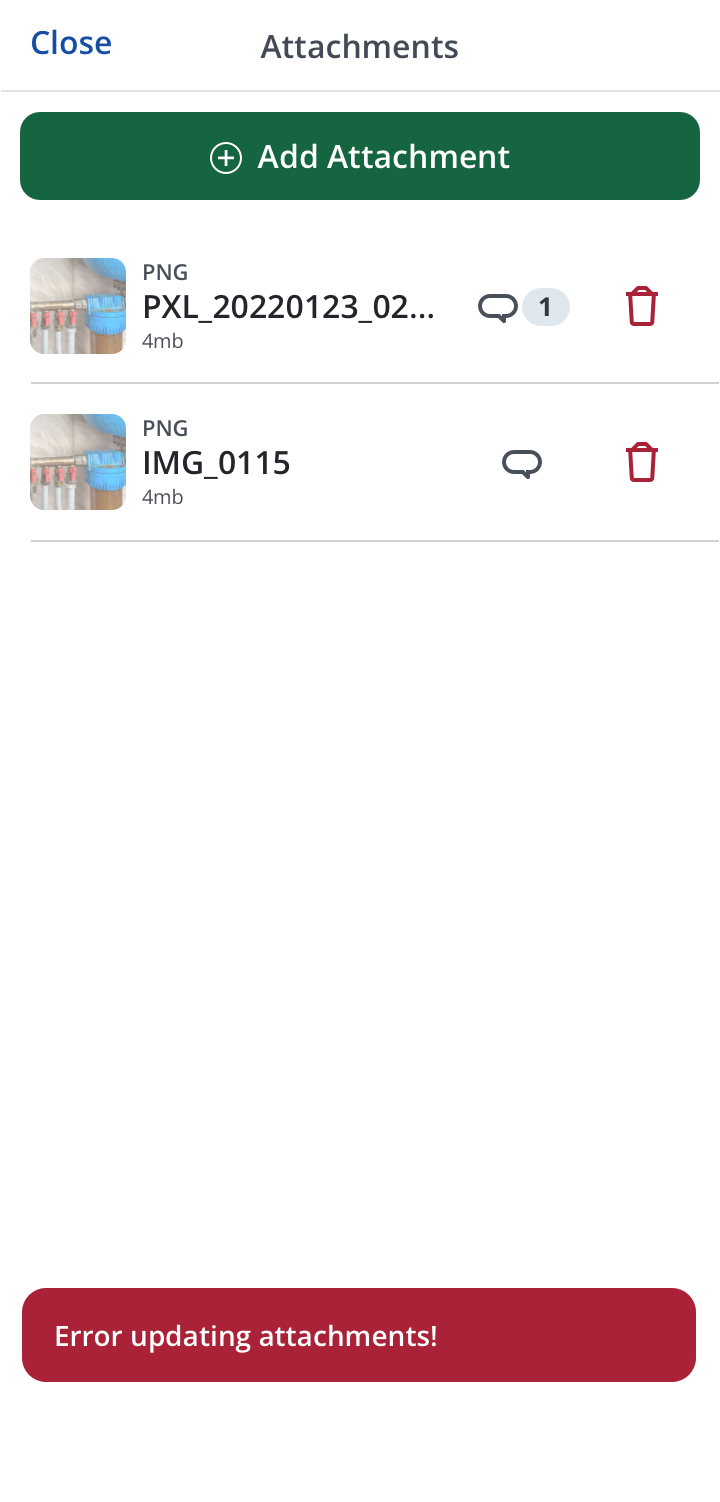
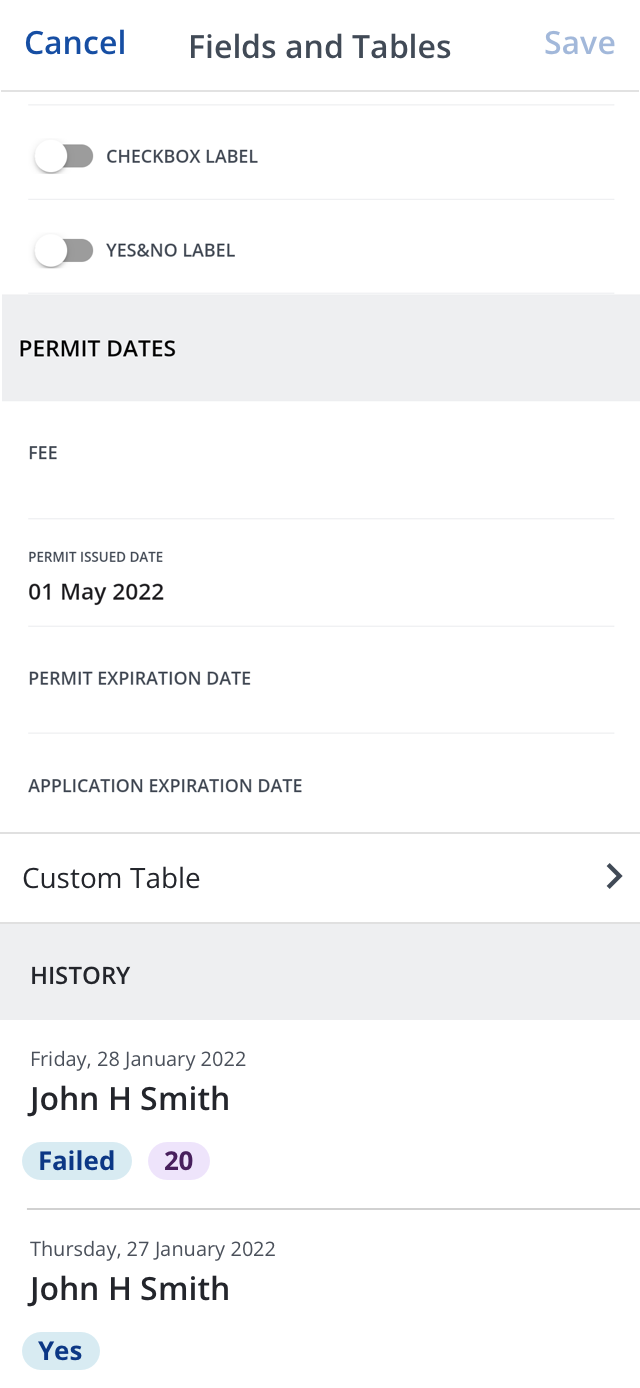
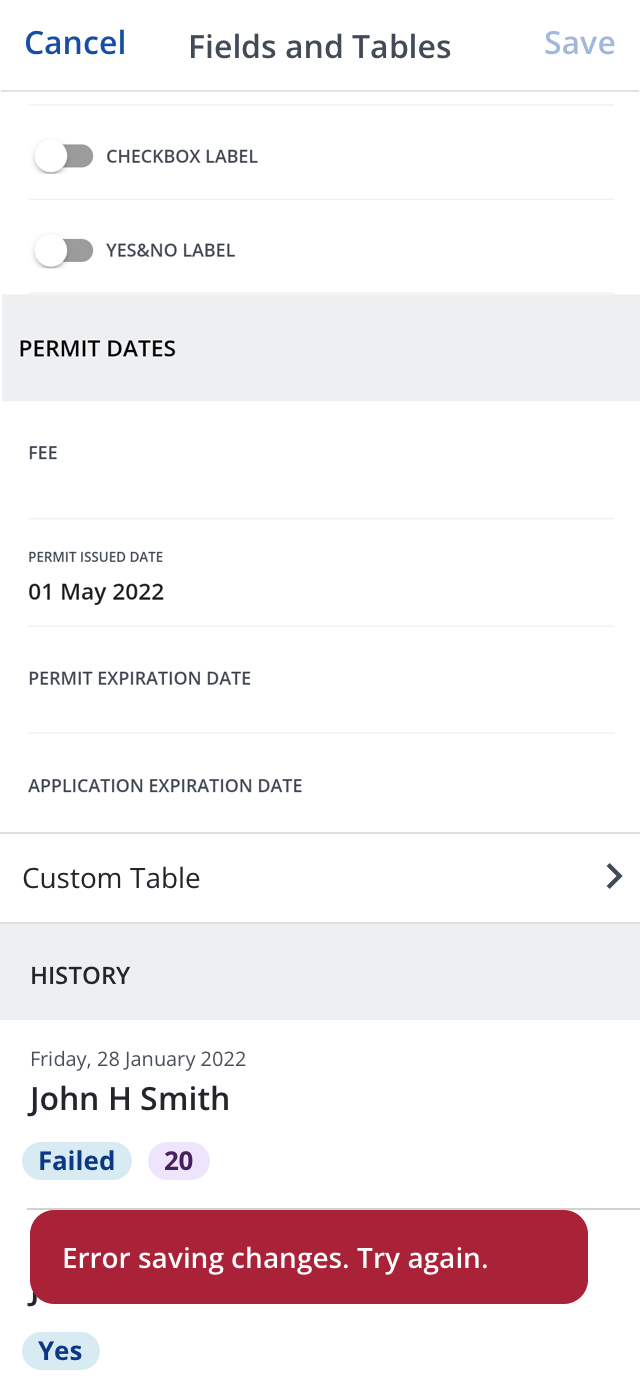
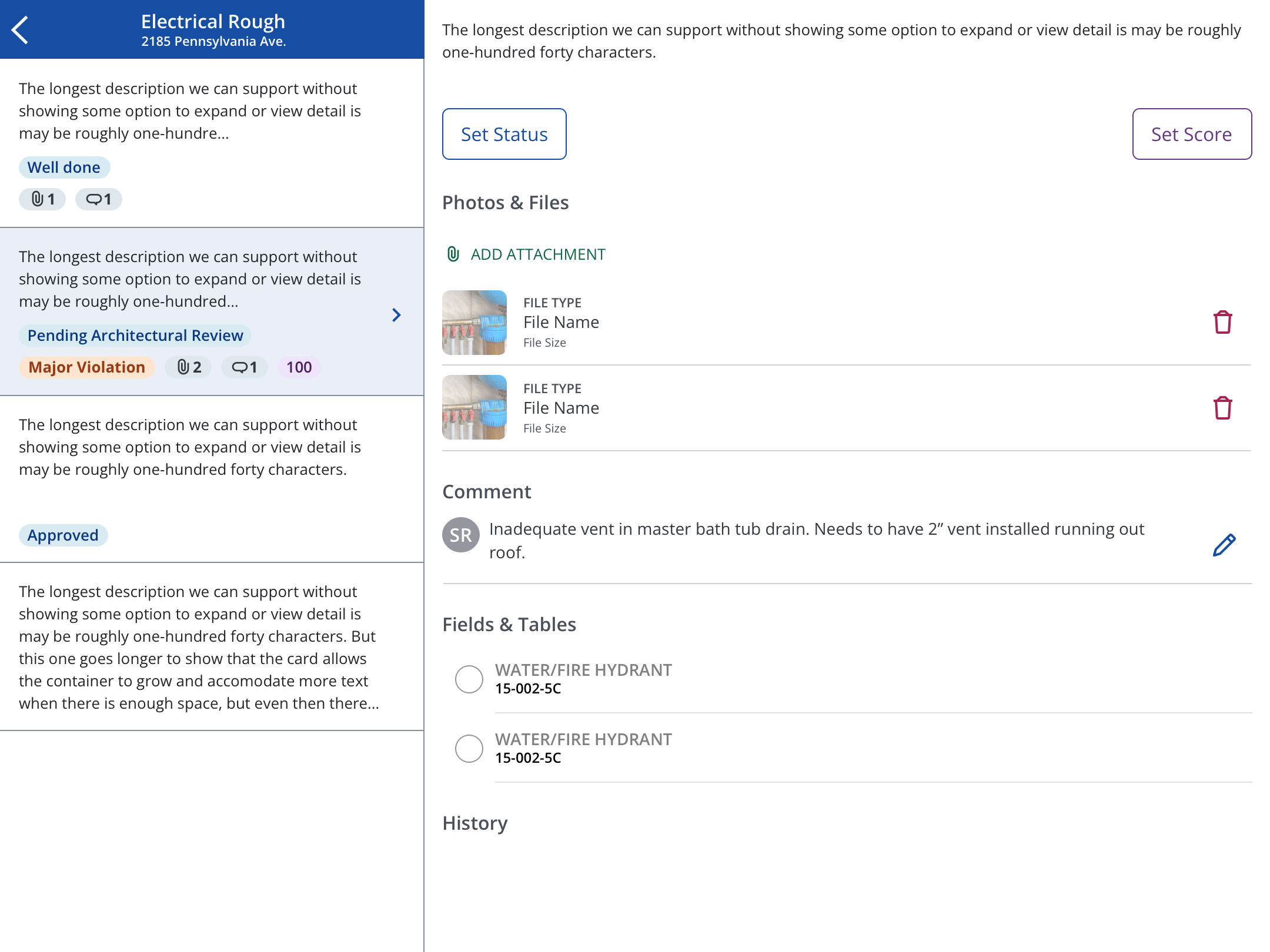
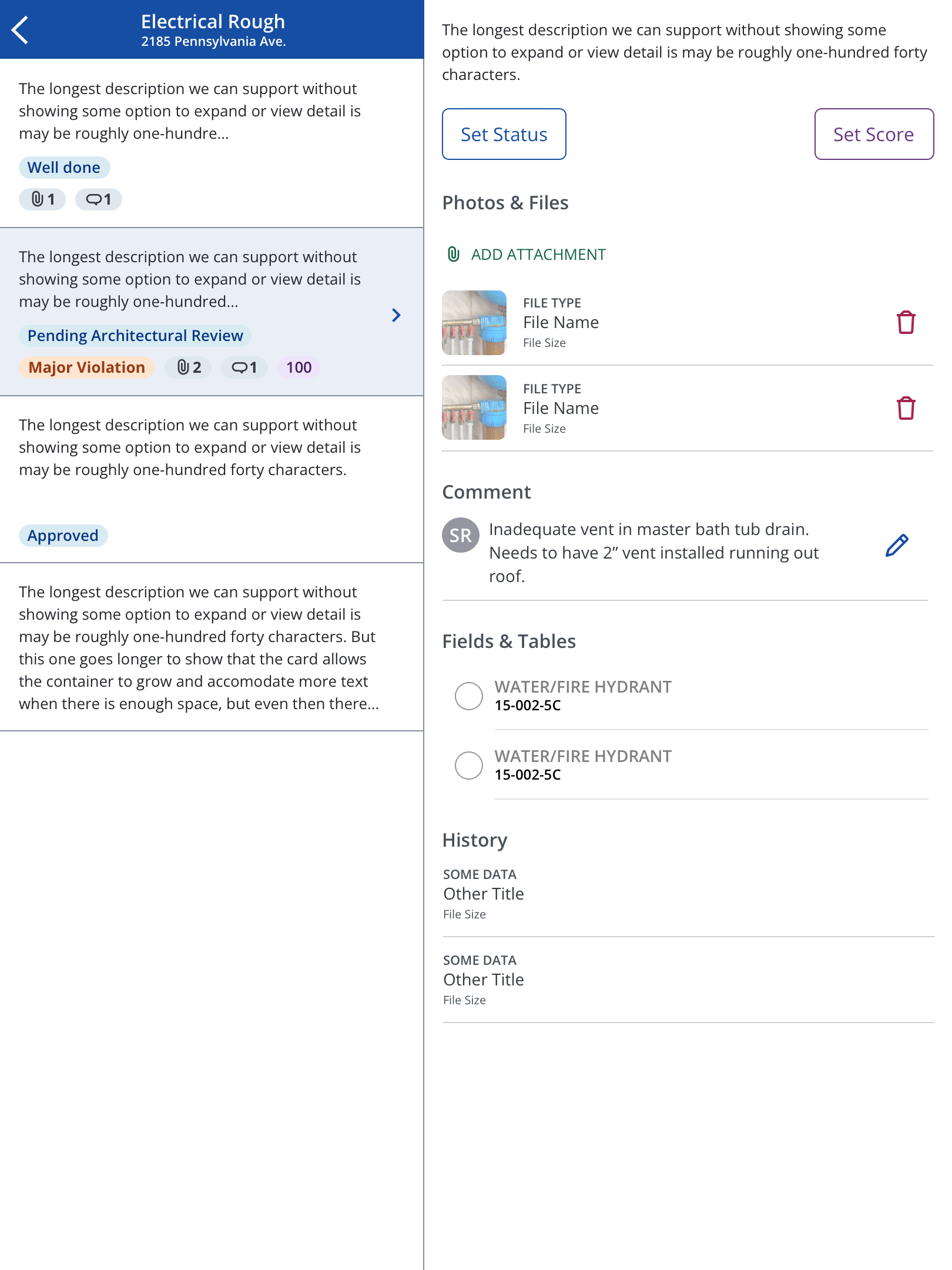
Going in and out of action sheets for dozens of checklist items was time consuming, redundant, and error prone.
At the end of the day, inspectors would bring their clipboard back to the office to do their data entry. This meant fewer inspections completed/day and lower revenue.
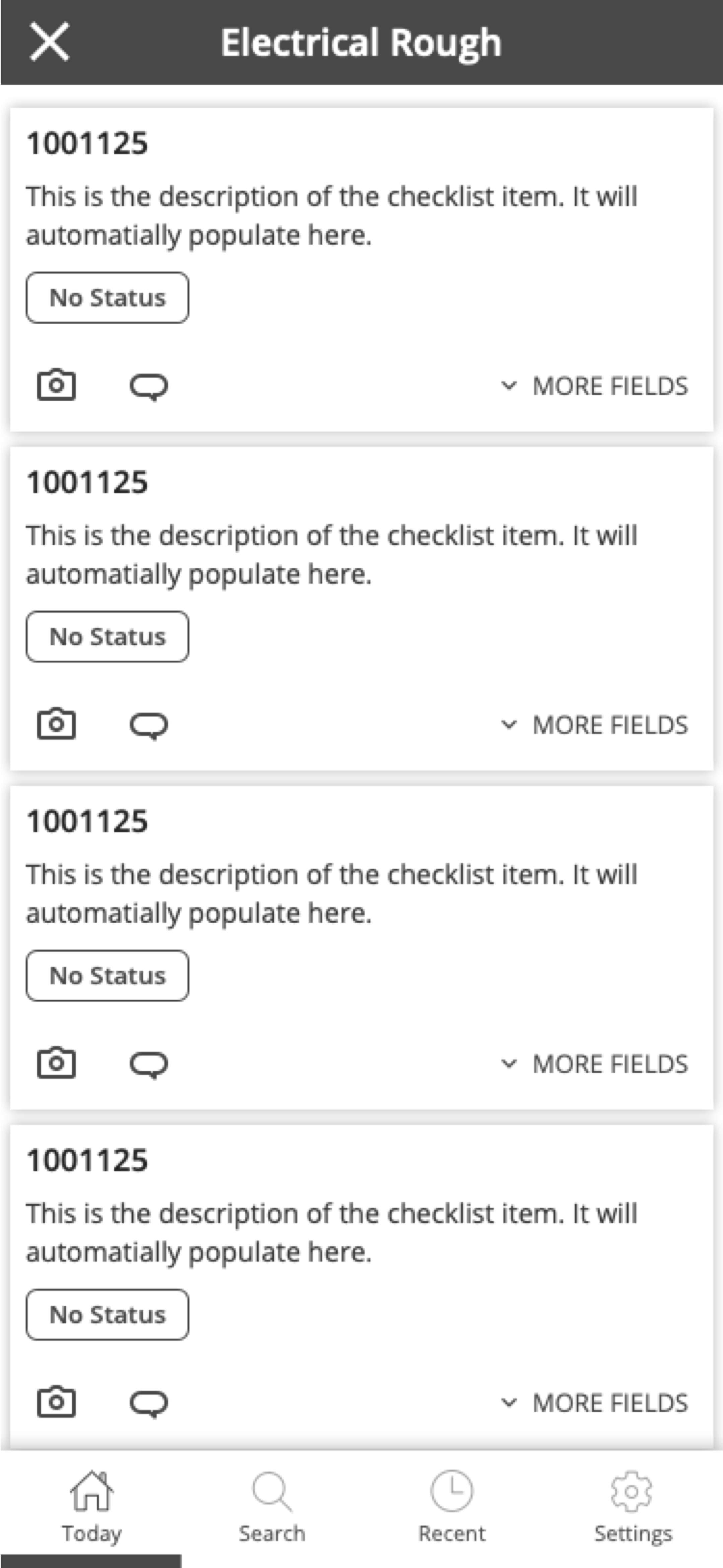
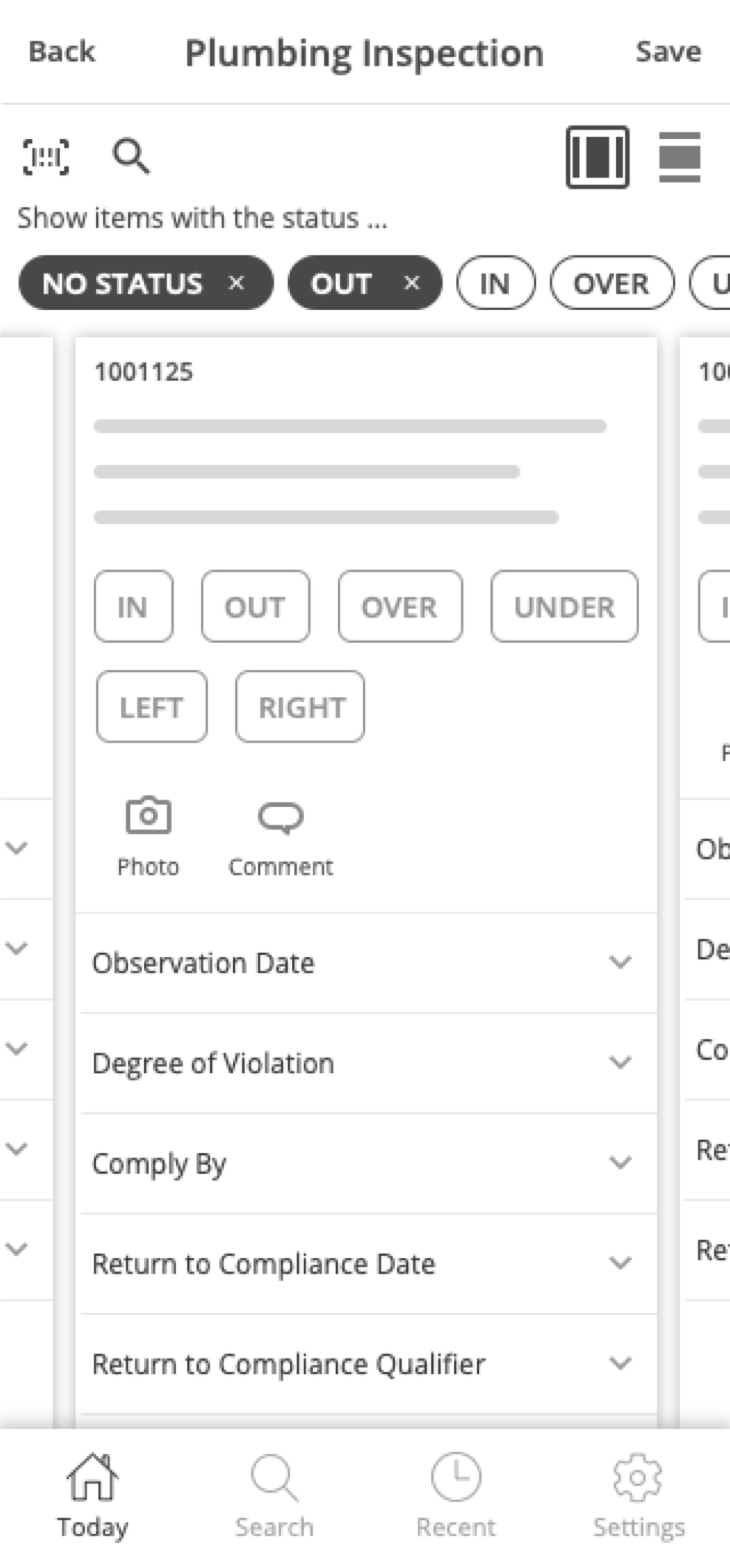
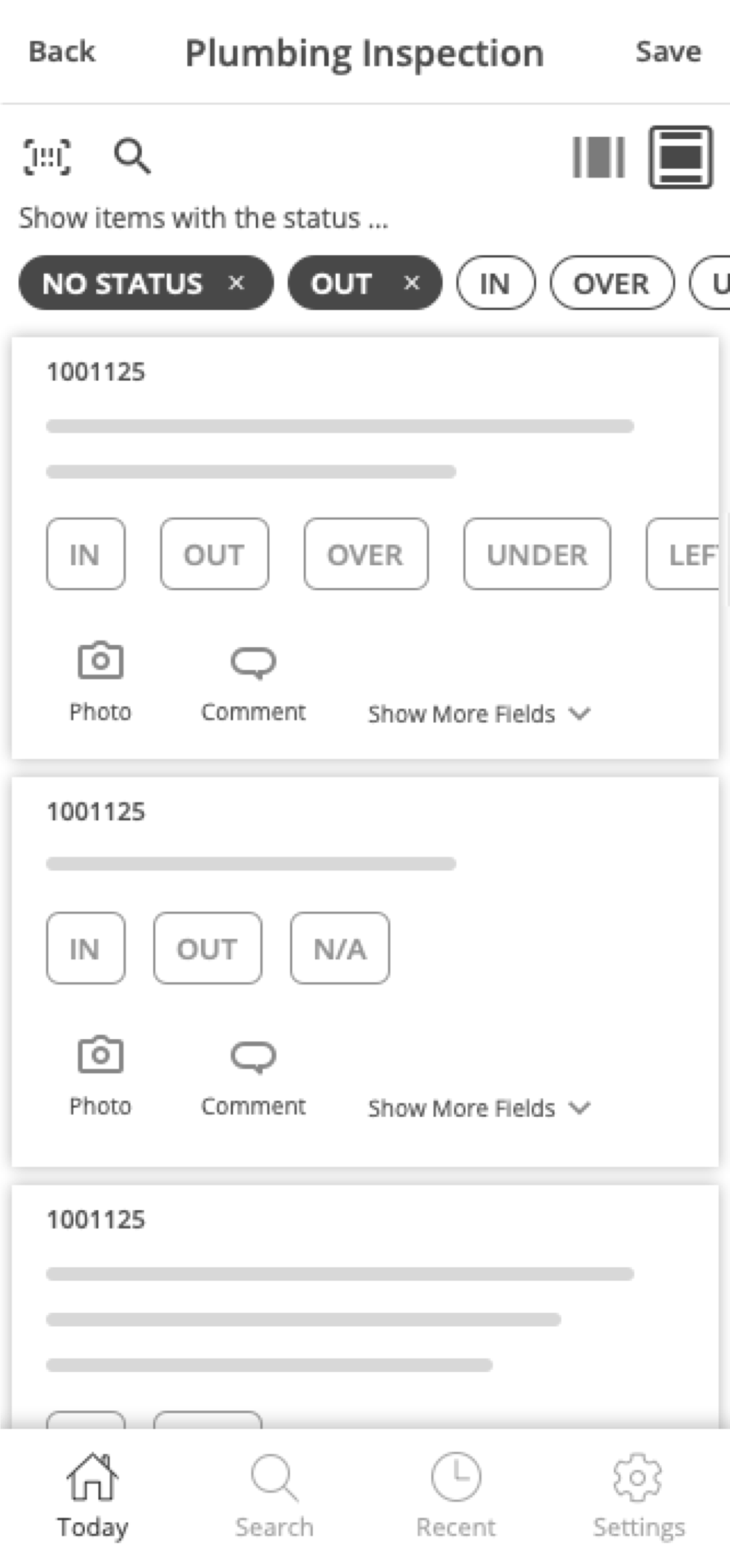
I conducted moderated user tests with wireframes for many concepts to learn more from users.
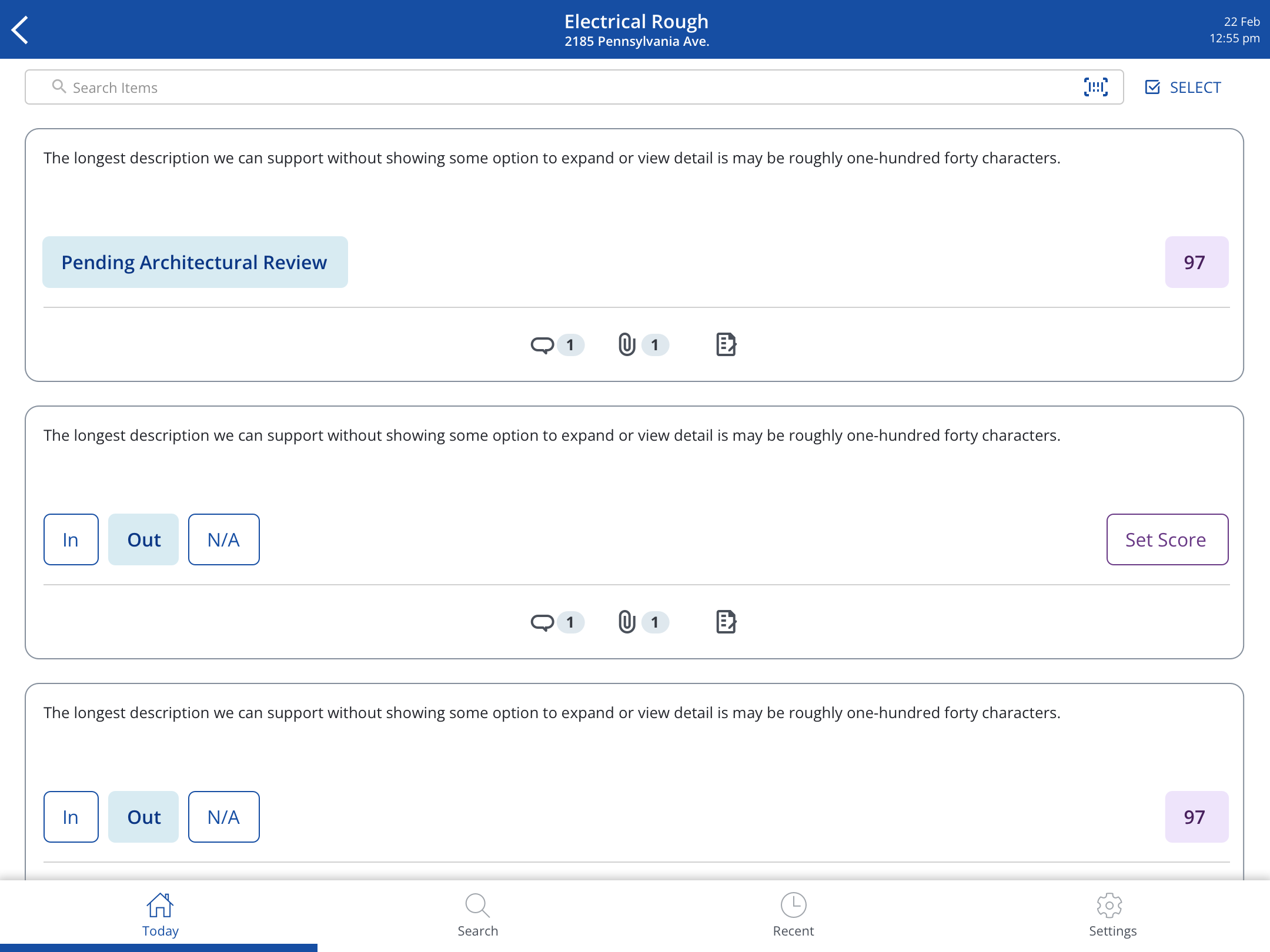
Concepts like gestures, carousels, and horizontal scrolling failed with users, but this research supplied inspiration for a dynamic status button.
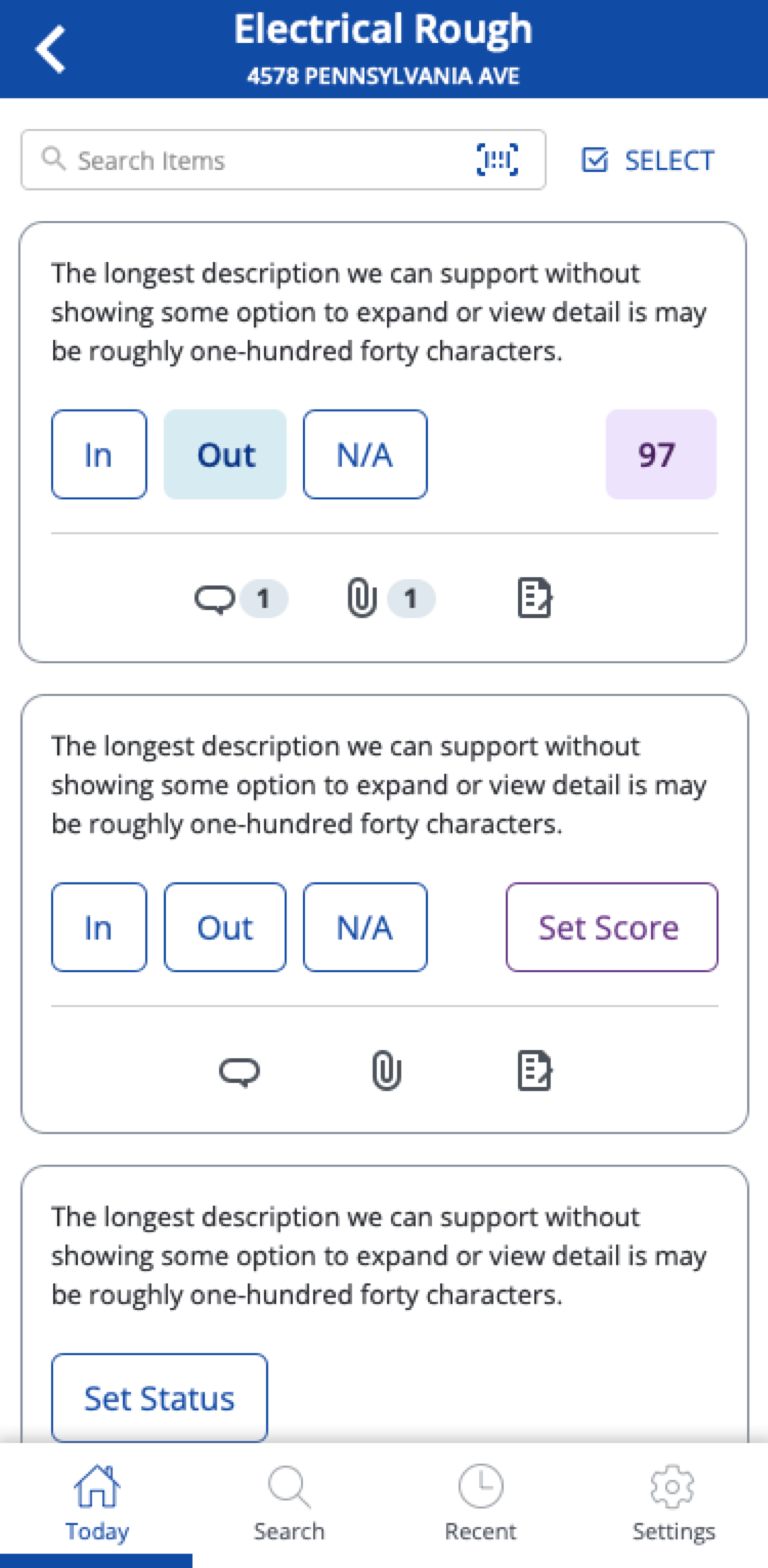
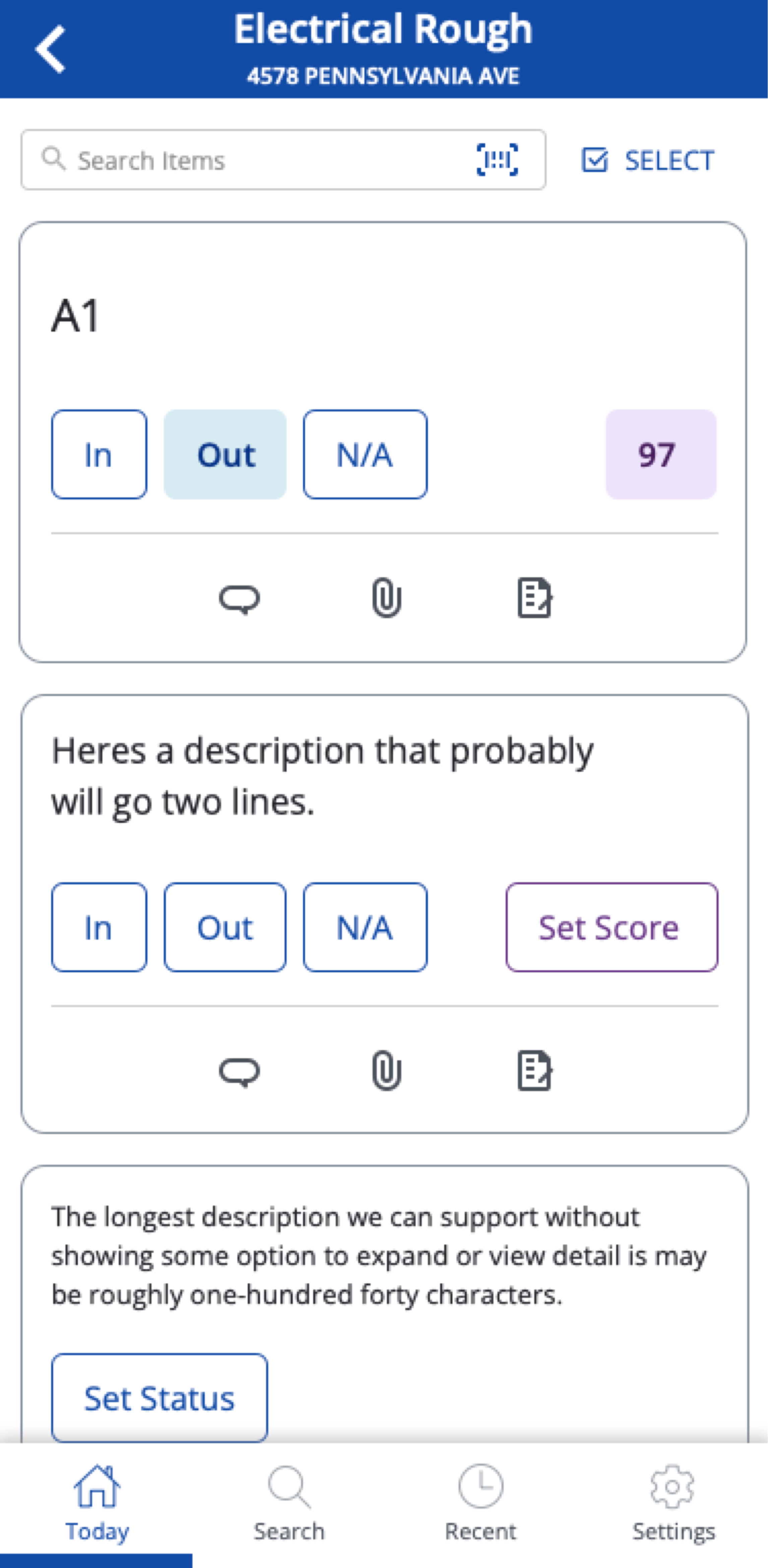
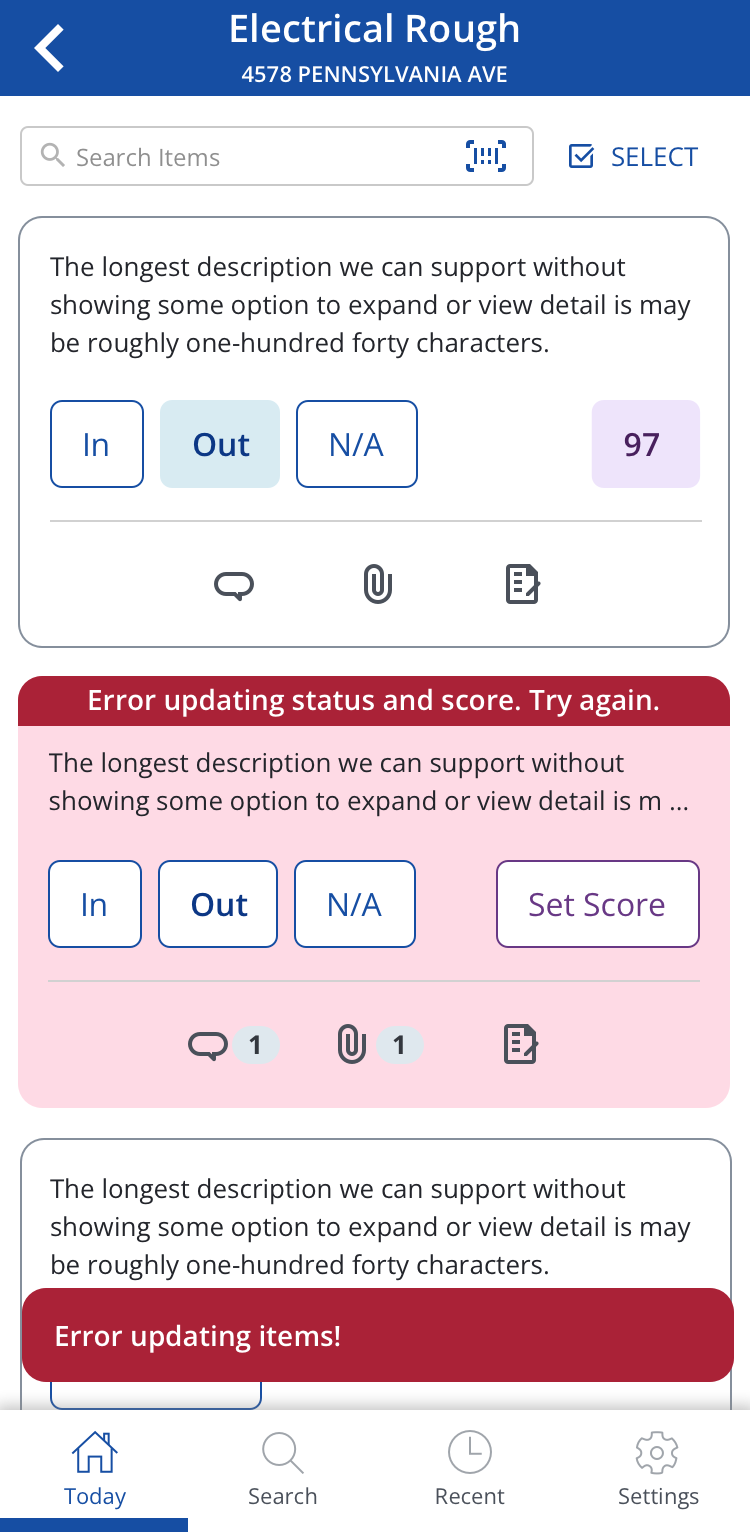
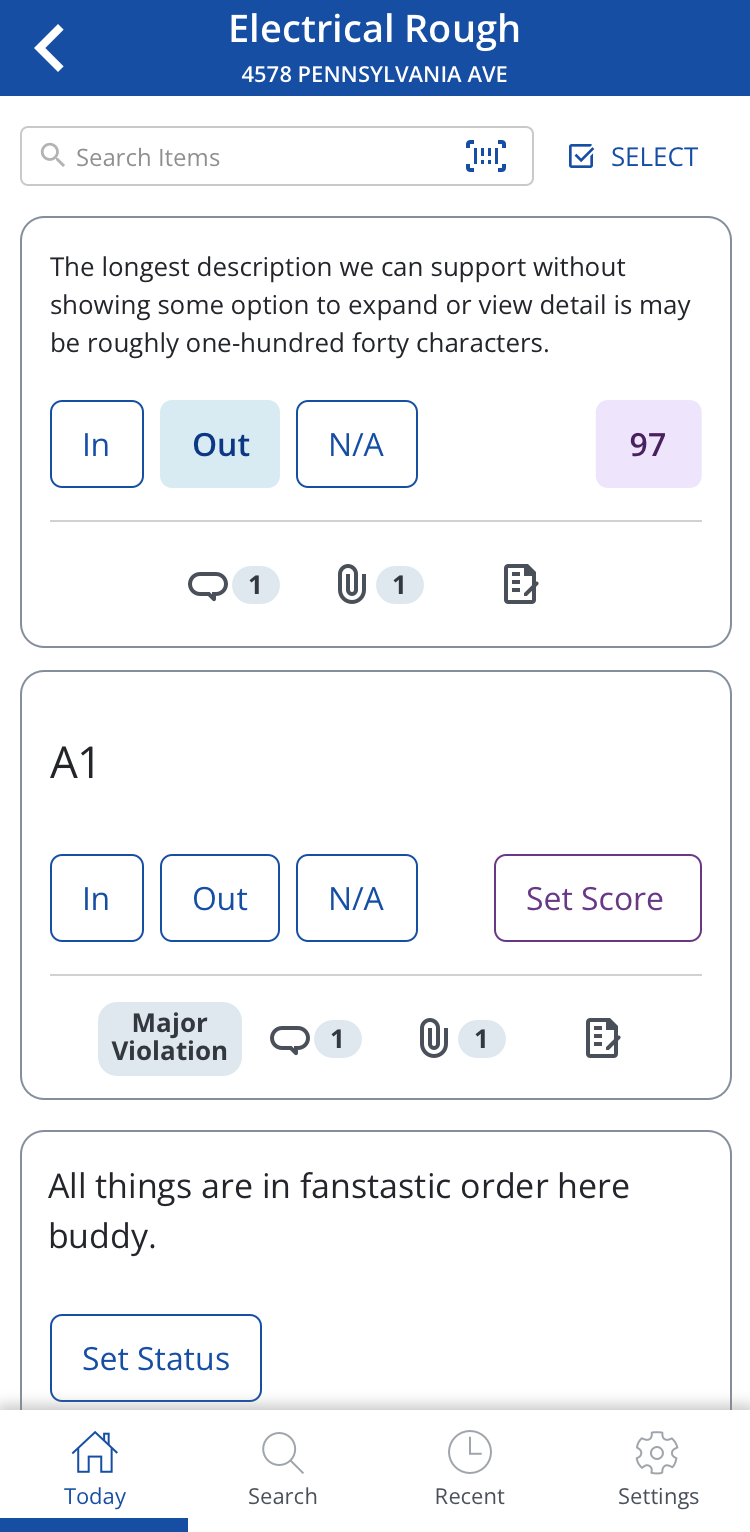
A dynamic status selector would show a general “Set Status” button when statuses were too numerous. It would show individual buttons for each status when space permitted.
I also designed fixes to meet Accessibility standards in regards to font size, color contrast, color-only indicators and tap target sizes.